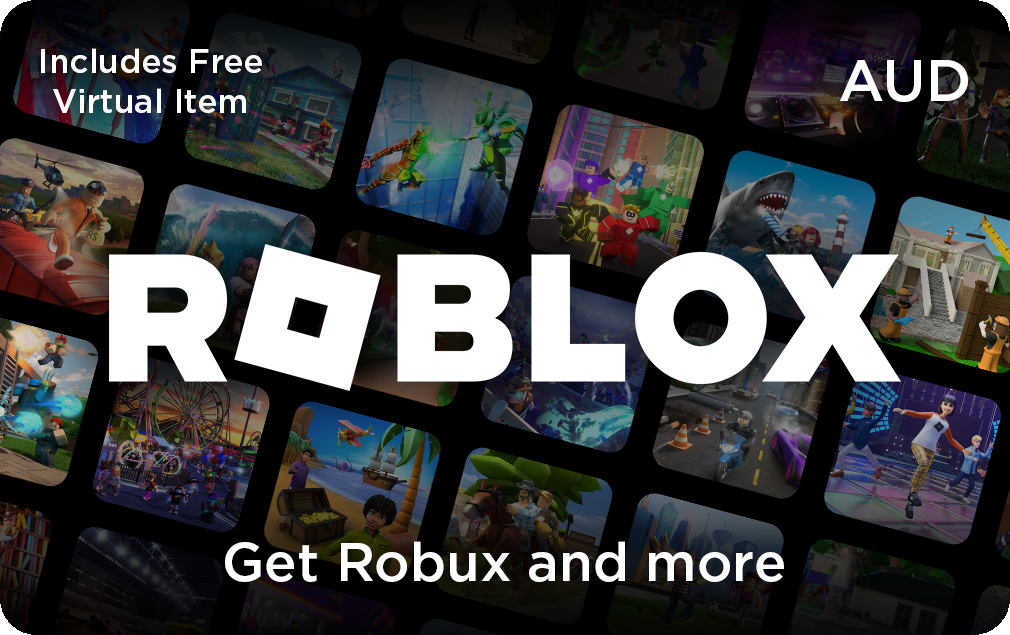
Roblox Gift card
Giftomatic makes gift cards more exciting to spend.
What to buy with your Roblox gift card
Purchase: Obtain a Roblox gift card from authorized retailers such as convenience stores, supermarkets, or online retailers.
Scratch Off: Scratch off the protective coating on the back of the gift card to reveal the unique code.
Visit Roblox Website: Go to the Roblox website and sign in to your Roblox account. If you don’t have one, you’ll need to create an account.
Redeem Code: Navigate to the Redeem section of the Roblox website. Enter the gift card code in the provided field and click on the “Redeem” button.
Confirmation: After entering the code, you’ll receive a confirmation message indicating that the gift card has been successfully redeemed.
Enjoy: Once the gift card code is redeemed, the Robux or virtual items associated with the card will be added to your Roblox account, allowing you to use them in-game to enhance your gaming experience.
Remember to keep the physical gift card in a safe place after redeeming the code. If you encounter any issues or have questions about redeeming your gift card, you can contact Roblox customer support for assistance.
Roblox Gift card expired
Grace period
Sell your Roblox Gift card
Sell on an auction website
Sell your card on social media

Buy Roblox Gift card
How to use the Roblox Gift card?
Using a Roblox gift card is easy. Here’s how:
Purchase: Obtain a Roblox gift card from authorized retailers such as convenience stores, supermarkets, or online retailers.
Scratch Off: Scratch off the protective coating on the back of the gift card to reveal the unique code.
Visit Roblox Website: Go to the Roblox website and sign in to your Roblox account. If you don’t have one, you’ll need to create an account.
Redeem Code: Navigate to the Redeem section of the Roblox website. Enter the gift card code in the provided field and click on the “Redeem” button.
Confirmation: After entering the code, you’ll receive a confirmation message indicating that the gift card has been successfully redeemed.
Enjoy: Once the gift card code is redeemed, the Robux or virtual items associated with the card will be added to your Roblox account, allowing you to use them in-game to enhance your gaming experience.
Remember to keep the physical gift card in a safe place after redeeming the code. If you encounter any issues or have questions about redeeming your gift card, you can contact Roblox customer support for assistance.

Roblox Gift card balance check
Checking the balance of your gift card can help you determine if you have enough funds to make a purchase. This can prevent the embarrassment of having your purchase declined at the checkout if you don't have enough money on the card.
If you're trying to stick to a budget, checking the balance of your gift card before you shop can help you avoid overspending. You'll know exactly how much you have to spend and can plan your purchases accordingly.
Some gift cards have expiration dates, so checking the balance can help you use the card before it expires and avoid losing the remaining funds.